
Website build
Local reading is free. Download and install directly.
Download nowBring your TXT and EPUB books to your own shelf. Choose your type, layout and theme, then keep reading on your phone, tablet or computer.
Latest release v2.7.4Local reading is free on the website build. No account needed.


Local books come first. Sources, themes, read-aloud, AI and backups live in the same app, ready when you need them.
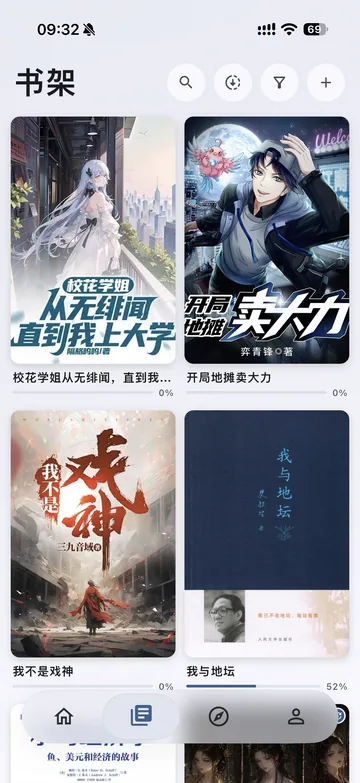
Local books stay on your device. Covers, contents, progress and reading history are always close at hand.
Themes, typography, layout and read aloud. Adjust the details to suit the way you read.
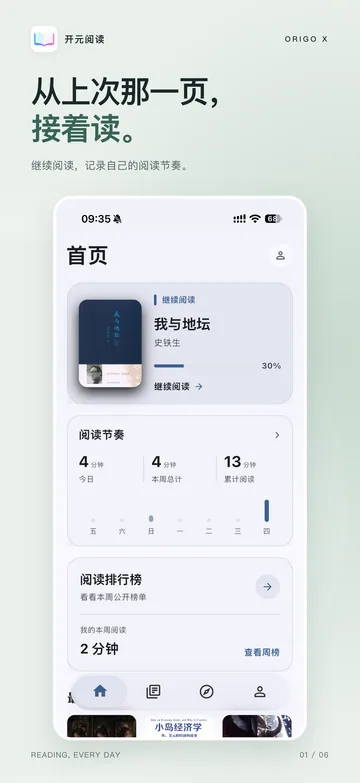
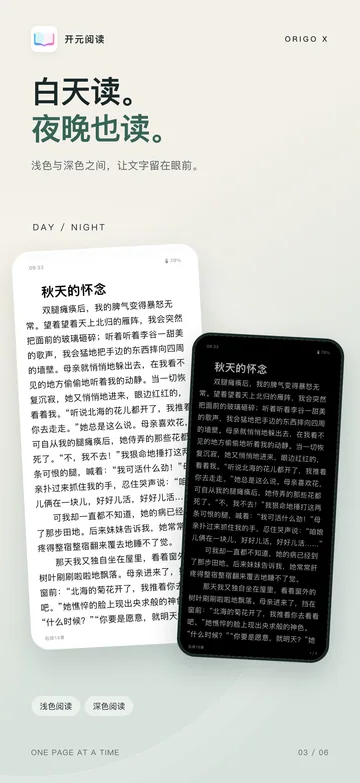
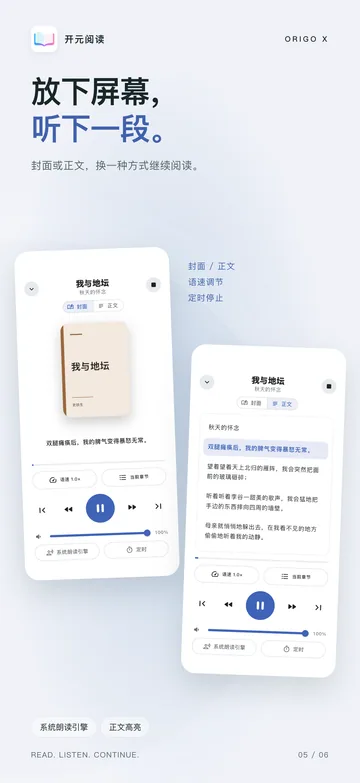
Swipe to explore reading and listening.
Local reading is free on the website build. Choose Origo Read or Origo Explore on the store build with a single purchase.
Local reading is free. Download and install directly.
Download nowOne purchase unlocks the complete reader in store builds.
Compare all benefitsGet Origo Read and the Explore extension in one purchase.
Compare all benefitsInstallation, book import and reading settings, in one guide.
Read the guideNo. Install the app and import local books right away. An account is only used for membership, theme submissions and personal cloud storage.
Local books support TXT and EPUB. Through Origo Source you can also connect a content service you host yourself.
On your own device. Backups use your own WebDAV server, and you create each snapshot yourself.
The download page offers Android, macOS, Windows and Linux packages with SHA-256 checksums. iPhone and iPad install from the App Store.
Choose the version for your device. Start with your own local books.